
Why Is My Website Not Showing Up on Google?
"Why is my website not showing up on Google?" is almost always one of a handful of fixable causes. Here is how to figure out which one is yours, in plain English, with no jargon and no ranking promises.
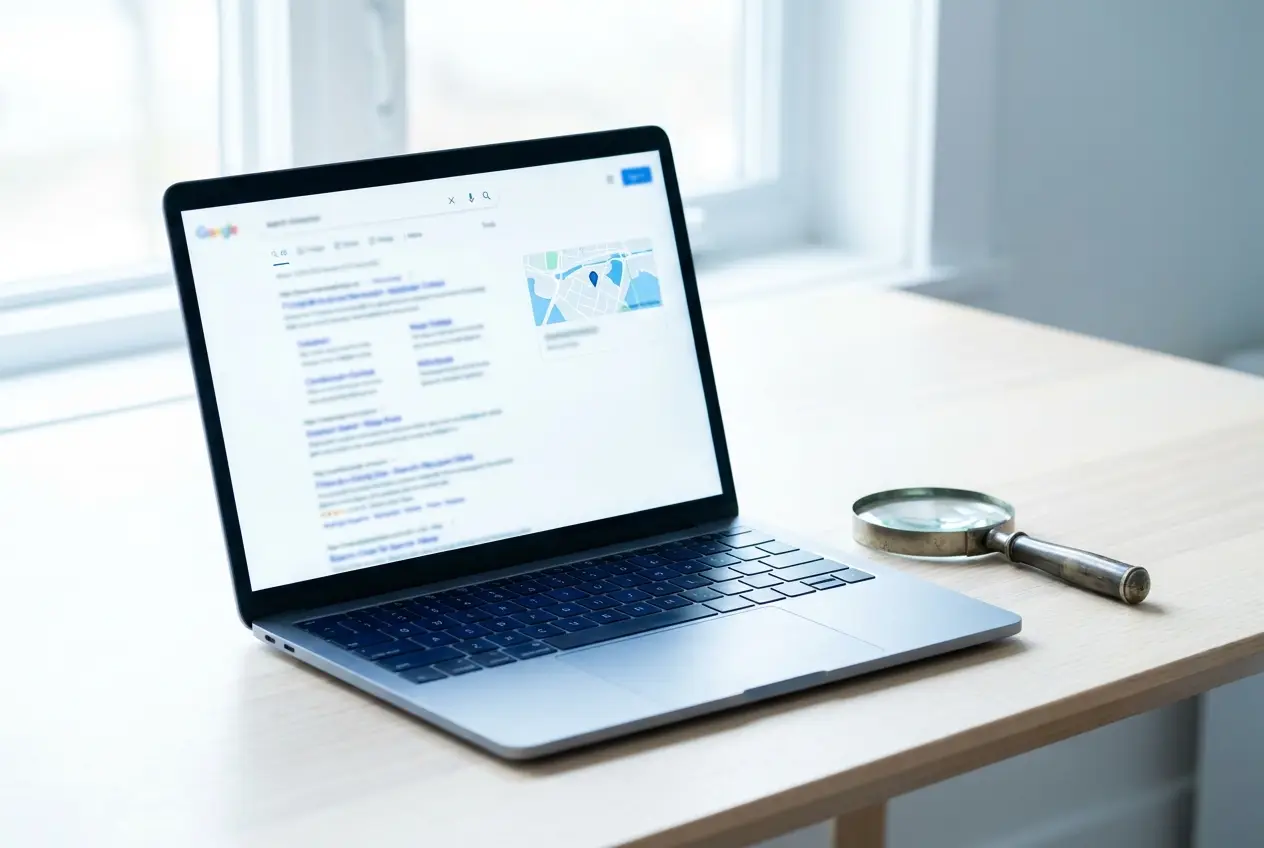
First, check if Google even knows your site exists
Before you worry about rankings, you have to confirm Google has actually found and saved your pages. That is called being "indexed." A page that is not indexed cannot show up for anything, no matter how good it is.
Here is the fastest way to check. Go to Google and type this exactly, swapping in your own address:
- site:yourbusiness.com — this asks Google to list every page it has saved from your site.
If you see a list of your pages, you are indexed and the problem is about where you rank, not whether you exist. If you see "no results found," Google has not stored your site yet, and that is the real issue to fix first.
If your site is brand new, the answer is usually "give it time"
This is the most common reason, and the most frustrating one, because the fix is patience. A new website is not added to Google the moment it goes live. Google has to crawl it (visit it), make sense of it, and decide where it fits. That can take days to a few weeks for basic indexing, and longer to settle into a steady position.
You can nudge it along instead of just waiting:
- Set up a free Google Search Console account and verify your site. It is Google's official dashboard for site owners and it tells you exactly which pages are indexed and which are not.
- Submit your sitemap (usually yourbusiness.com/sitemap.xml) inside Search Console so Google has a clean map of your pages.
- Use the "URL Inspection" tool in Search Console to ask Google to look at an important page right now.
None of this guarantees a top spot. It just makes sure Google has the page and has been asked to look. The rest is earned over time with good content and a well-built site.
Know the difference: the map pack vs. the regular blue links
When someone searches something like "plumber near me," Google usually shows two completely separate things, and they are ranked by different rules. Confusing them is why a lot of owners think they are "invisible" when they are not.
- The map pack is the box of three businesses with a map, stars, and pins, near the top. This is local results, and it is powered by your Google Business Profile (the free business listing), not really by your website.
- The organic results are the standard blue links below that. These come from your actual website pages.
So you can rank fine in one and be nowhere in the other. If you are missing from the map box, that is a Google Business Profile problem. If your website pages are missing from the blue links, that is a website and content problem. Sort out which one you mean before you try to fix anything.
Your Google Business Profile is the single biggest local lever
For most small businesses on the North Shore, MA, the free Google Business Profile does more for local visibility than almost anything on the website itself. If it is missing, unverified, or half-filled-in, you are leaving the easiest wins on the table.
Walk through the basics of Google Business Profile optimization:
- Claim and verify it. An unverified profile usually will not show in the map pack. Verification is free.
- Pick the right primary category. This is one of the strongest signals for what searches you appear in.
- Match your name, address, and phone to exactly what is on your website and other listings. Inconsistency confuses Google.
- Set your service area if you travel to customers (for example, several North Shore towns) rather than serving them at one storefront.
- Add real photos, hours, and services, and ask happy customers for honest reviews over time. Reviews genuinely influence local visibility.
This work happens on Google, not in your website code, so it is something you can start on today even if your site stays exactly as it is.
On-page basics: does your site clearly say what you do and where
If you are indexed but still not showing for searches that matter, the next place to look is whether your pages actually tell Google and visitors what you do and who you serve. A surprising number of small-business sites never say it plainly.
- Page titles and headings should name the service and the place in plain words, like "Roof Repair in Salem, MA," not a vague slogan.
- Real text on the page, not just a pretty image with the words baked into it. Google reads text, not pictures.
- A page for each main service instead of cramming everything onto one. One strong, focused page tends to do far better than a single page trying to cover ten things.
- Fast, mobile-friendly pages. A slow or clunky site is harder for Google to favor and easier for visitors to abandon. This is part of why we build fast, well-built websites from the start, aiming for fast load times and high quality scores.
This is the unglamorous structural work behind how to improve local SEO. It is not a trick, and it is not instant, but it is what actually moves the needle.
A quick checklist to find your specific cause
Run through these in order. Whichever one fails first is probably your answer:
- Search site:yourbusiness.com. No results means you are not indexed yet, so start there.
- Check the age of your site. Under a few weeks old? Likely just needs time plus Search Console.
- Search your exact business name. If your own brand name does not pull you up, that points to an indexing or basic setup problem, not competition.
- Search a service plus your town while signed out, ideally on your phone. Are you missing from the map box, the blue links, or both? That tells you whether it is a Google Business Profile issue, a website issue, or both.
- Open Google Search Console for the real story on what is indexed and any errors Google has flagged.
Be honest with yourself about timing and competition. No one can promise you the number one spot, and anyone who does is selling something. The goal is to remove every fixable barrier so you have a fair shot.